


What Is Digital Signage Software? Definition, Features and Use Cases



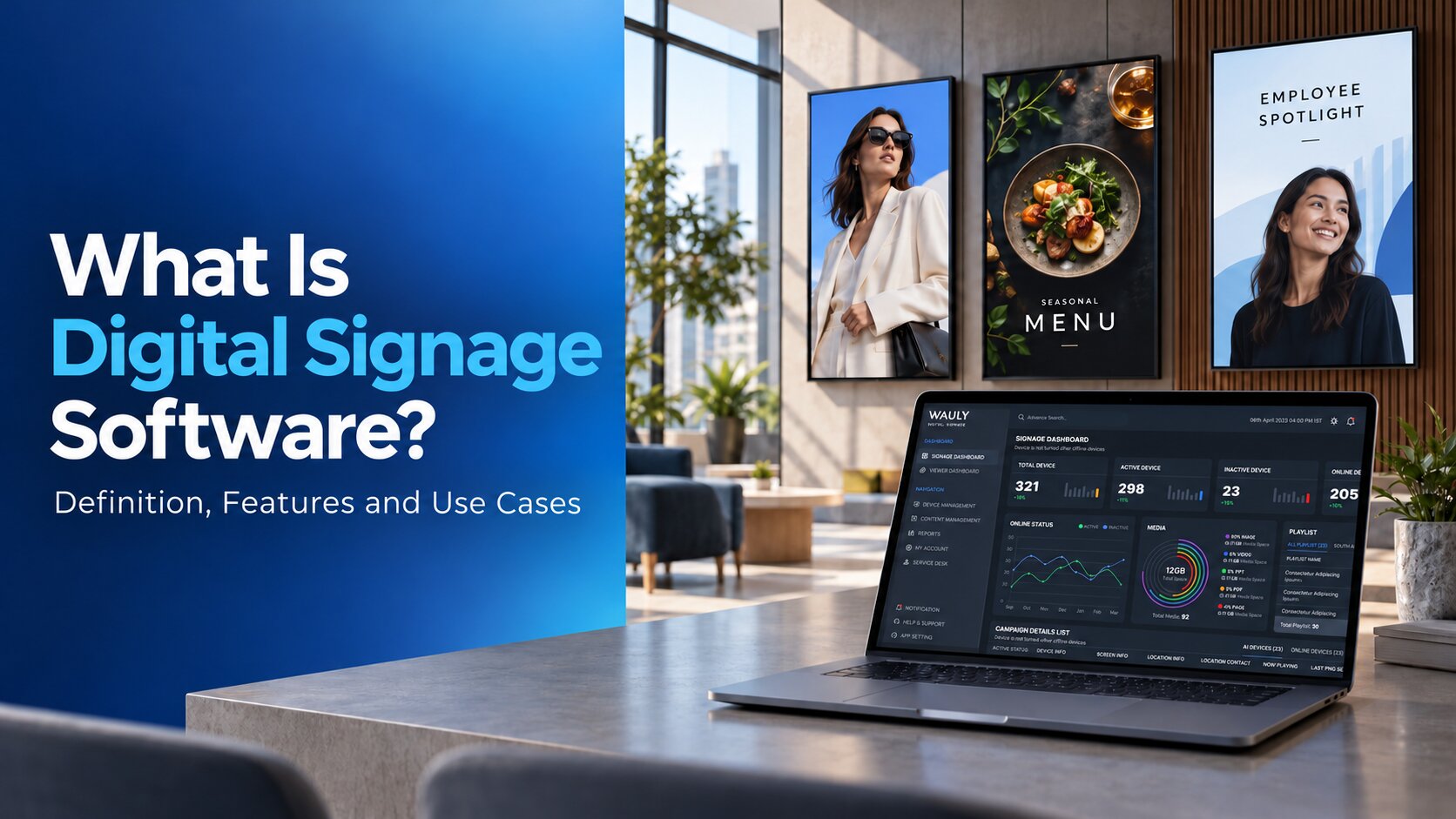
Digital signage software helps businesses manage the content displayed across their screens. It allows teams to organise media, schedule campaigns, publish updates, control user access, and manage screen networks from a central platform.
But what is digital signage software beyond displaying images and videos? For businesses operating across multiple locations, it can support structured communication, reduce repetitive manual updates, and help teams maintain control over what appears on each screen.
From retail promotions and restaurant menus to corporate announcements and business dashboards, the software determines how screen content is managed and delivered.
This guide explains what digital signage software does, how its features work, and how businesses use it to manage screen-based communication more effectively.
What Is Digital Signage Software?
Digital signage software is an application or platform used to create, organise, schedule, publish, and manage visual content on digital displays. It typically includes a content management system (CMS), publishing controls, and a playback application or integration with a compatible player.
Instead of updating each screen manually, authorised users can manage content centrally and distribute it to selected screens or locations.
For example, a retail chain can publish a national promotion across its stores while running different offers in selected regions. A restaurant group can schedule breakfast and lunch menus at different times. A corporate communications team can publish announcements across offices without sending individual files to each location.
The software provides the management layer behind these activities. Its capabilities determine how content is organised, who can publish it, how schedules are controlled, and what information administrators can access about screen activity.
How Does Digital Signage Software Work?
Digital signage software follows a connected workflow, from preparing content to delivering it to compatible screens.
- Content creation: Users upload media and prepare layouts or playlists.
- Content organisation: Assets are grouped and arranged for different campaigns or purposes.
- Scheduling: Users select target screens, dates, and time slots.
- Publishing: The platform sends content and playback instructions to compatible devices.
- Playback: The player displays the content according to the received schedule.
- Monitoring: Administrators review available device status, activity records, and playback evidence.
Key Features of Digital Signage Software
Digital signage software manages several connected processes. Each feature handles a specific stage, from preparing content to controlling access and reviewing screen activity.
Content Management System (CMS)
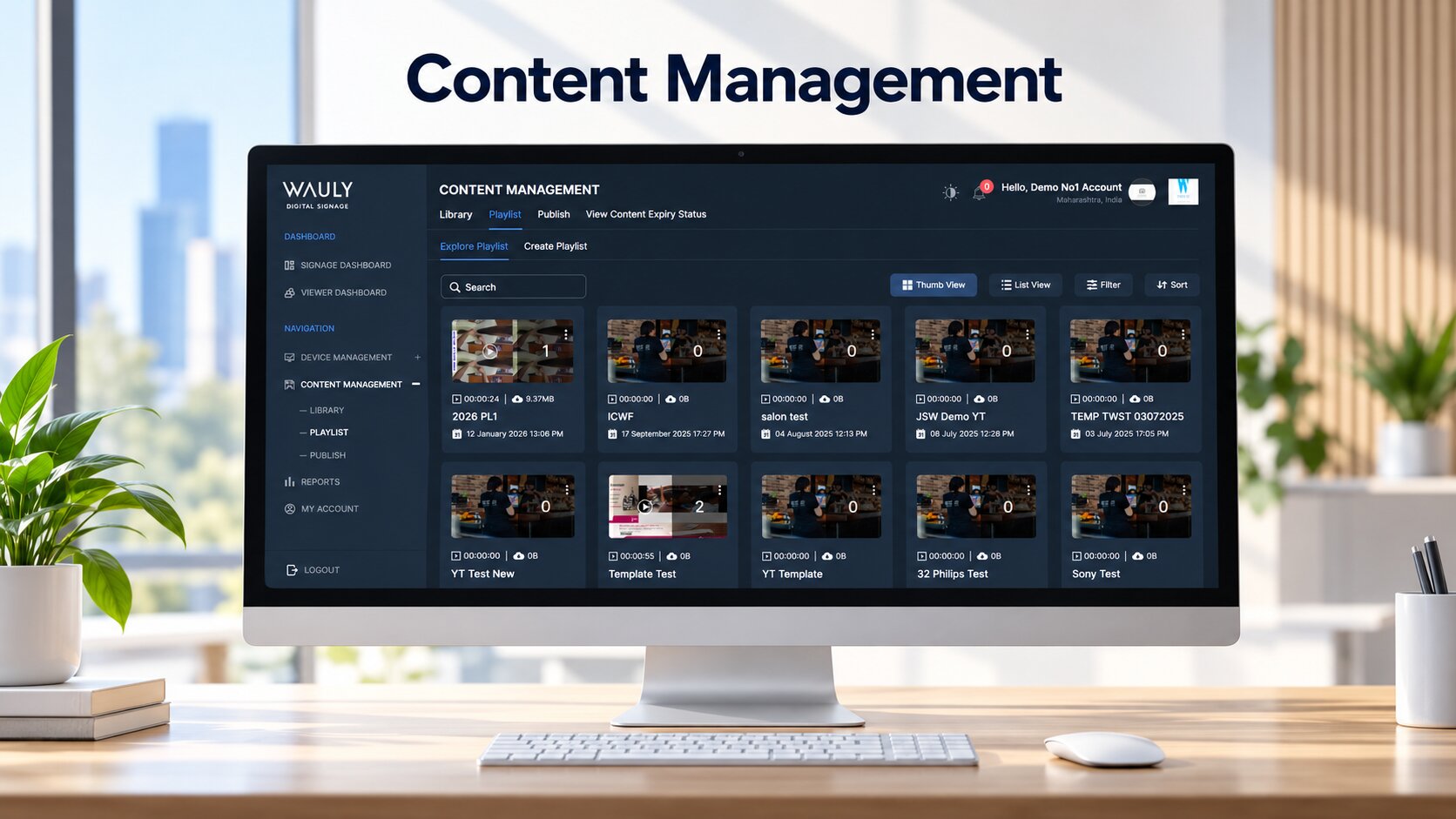
The CMS is where the content workflow begins.
- Upload: Users add images, videos, HTML content, or other supported media to the platform.
- Organise: Assets are grouped into folders, categories, campaigns, or playlists for easier retrieval.
- Design: Users arrange content into layouts using supported templates, zones, and screen dimensions.
- Preview: The platform provides a preview so users can check the layout before publishing.
- Save: Prepared content is stored in the platform and made available for scheduling or further editing.
This process gives teams one organised workspace for preparing and maintaining content instead of managing separate files for individual screens.
Scheduling and Content Publishing
Once content is ready, the publishing engine determines where and when it appears.
- Select: The user chooses the target screens or screen groups.
- Schedule: Start dates, end dates, days, and time slots are configured according to campaign requirements.
- Prioritise: Where supported, scheduling rules determine how overlapping playlists or time-sensitive content are handled.
- Publish: The platform sends the content and relevant playback instructions to compatible devices.
- Update: When schedules or content change, the platform distributes the revised instructions to the affected screens.
For example, a restaurant can schedule breakfast content for the morning and lunch promotions for a later time slot. The player follows the received schedule and displays the relevant content when the configured conditions are met.
Screen Grouping and Multi-Location Management
This feature controls how screens are organised and targeted across a business.
- Register: Compatible playback devices are added to the management platform.
- Identify: Administrators assign screen names and relevant location or department details.
- Group: Screens are organised by branch, region, store type, or another operational category.
- Assign: Content and schedules are linked to the appropriate groups or individual screens.
- Manage changes: Administrators update group assignments when screens or business requirements change.
For instance, a retail team can publish one campaign to all stores while assigning a separate promotion to selected branches. Group-based management avoids configuring every screen individually.
User Permissions and Approval Workflows
Access controls determine who can perform each action, while approval workflows govern how content moves from creation to publication.
- Create accounts: Administrators add authorised users to the platform.
- Assign roles: Permissions are allocated according to responsibilities, such as content creation, review, publishing, or administration.
- Restrict access: Users are limited to the functions, content, or screen groups permitted by their role.
- Submit for approval: Content requiring review is sent to the designated approver.
- Approve or reject: The reviewer authorises the content or returns it for changes.
- Publish: Once the required approval conditions are met, an authorised user publishes the content.
This workflow helps businesses maintain central control without preventing regional or departmental teams from managing their assigned responsibilities.
Remote Device Monitoring and Management
Remote monitoring helps administrators understand the status of supported playback devices and investigate operational issues.
- Check in: A compatible player communicates its status to the management platform.
- Collect status: The platform displays available information, such as connectivity, last check-in, or device details.
- Detect issues: Supported alerts identify selected conditions, such as a device becoming unreachable.
- Investigate: Administrators review available diagnostics, activity records, or screenshots to narrow down the issue.
- Take action: Where supported, they can perform remote actions such as restarting a player or updating its configuration.
Device status alone does not confirm that the correct content is visible. It should be assessed alongside available playback records or visual evidence.
Reporting and Proof of Play
Reporting turns available system activity into information that administrators can review.
- Record: The platform captures supported events, such as publishing actions, device check-ins, or playback events.
- Collect: Records are associated with relevant screens, content, or timestamps where the system supports this information.
- Verify: Administrators review publishing status and available proof-of-play records to assess whether content was recorded as playing.
- Investigate: Activity logs and other available evidence help teams examine discrepancies or unexpected changes.
- Report: Information can be reviewed or exported using the reporting options provided by the platform.
For businesses running time-sensitive campaigns, proof of play can help establish whether specific content was recorded as playing on a particular screen. Its accuracy and level of detail depend on the player's capabilities and the platform's reporting implementation.
Integrations and Automated Content
Integrations allow digital signage software to receive information from external applications and use it in screen content.
- Connect: The required data source is linked through a supported API, connector, feed, or integration method.
- Retrieve: The software obtains the configured information from that source.
- Process: The data is mapped to the relevant content fields, layout, or display template.
- Refresh: Content updates according to the configured refresh method or schedule.
- Display: The compatible player renders the updated information on the assigned screen.
- Handle failures: Depending on the platform, administrators may receive an error notification or the screen may continue showing previously available content.
For example, a business dashboard can supply selected performance figures to a screen layout. The displayed information updates when the integration retrieves new data successfully. The refresh rate and failure behaviour depend on the integration and platform configuration.
Digital Signage Software vs Signage Apps and Player Applications
Terms such as signage app, digital display software, and digital signage player are sometimes used interchangeably, but they may refer to different parts of a solution.
| Term | Primary purpose |
|---|---|
| Digital signage software | The overall platform for content, publishing, administration, and monitoring |
| CMS signage platform | The content management component for organising and preparing media |
| Signage app | An application used for content administration, creation, or playback |
| Digital signage player | The application or playback component that renders content on a compatible device |
| Device management tools | Functions for monitoring and administering supported devices |
Some products combine these capabilities in one platform. Others separate content management, playback, and device administration. A signage app may provide simple playlist management, while a broader digital signage software platform may also include permissions, approval workflows, reporting, and integrations. When comparing products, identify which capabilities are included rather than relying only on the product name.
Cloud Based Digital Signage Software
Cloud based digital signage software allows authorised users to manage content and compatible screen networks through a remotely hosted platform. It is useful for businesses that need to coordinate content across multiple locations without managing every screen locally.
Common advantages include:
- Centralised content management
- Remote publishing and scheduling
- Easier coordination across teams and locations
- Central administration of users and permissions
- Potential integration with cloud-hosted business applications
Cloud management does not automatically mean that every screen requires a continuous internet connection for playback. Offline behaviour depends on the player, locally stored content, and platform configuration.
Before selecting a cloud platform, test what happens when a screen loses connectivity, whether scheduled content continues playing, and how the device receives updates after reconnecting.
Also evaluate authentication, permissions, data security, support arrangements, and the platform's ability to accommodate your operational requirements.
Business Use Cases of Digital Signage Software
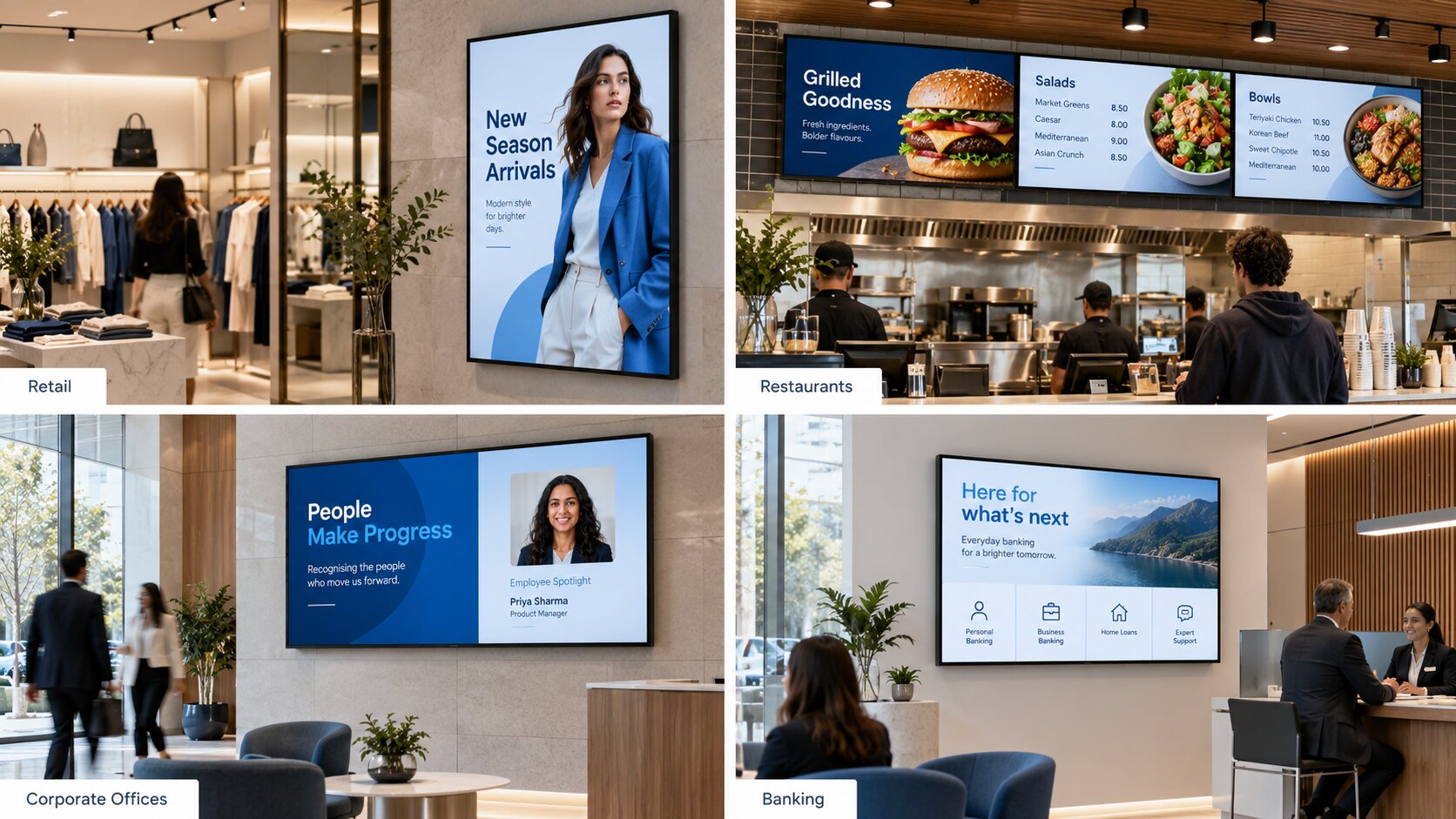
Different industries use digital signage software to manage different types of communication. The value comes from applying the platform's capabilities to a specific workflow.
Retail Stores
Retail businesses use retail signage software to coordinate promotional campaigns, product information, seasonal offers, and local messages across stores. Central publishing helps maintain brand consistency, while screen grouping and scheduling allow selected campaigns to run in the appropriate locations and time periods.
Restaurants and Quick-Service Restaurants
Restaurants can manage digital menus, meal-period content, offers, and price updates through a central platform. Scheduling can support different menus throughout the day, while compatible integrations may automate selected information from connected systems.
Corporate Offices
Corporate communications and HR teams can publish employee announcements, recognition messages, internal updates, event information, and selected business dashboards. User permissions and approval workflows help manage who can publish content across departments and office locations all through corporate digital signage software.
Banking and Financial Services
Banks can coordinate approved customer information, service messages, announcements, and campaigns across branches through Banking signage software. Structured access controls and central publishing can help maintain consistency while allowing authorised teams to manage selected local requirements.
Educational Institutions
Schools, colleges, and universities can use Education signage software to manage announcements, timetables, event information, and campus communications across selected buildings or departments. Screen groups and scheduling help organise different information for different areas of a campus. Across these industries, the common benefit is the ability to manage screen-based communication more systematically rather than treating each display as a separate publishing task.
How Wauly Supports Enterprise Digital Signage Management
Wauly provides enterprise digital signage software designed to help businesses manage content and screens through a central platform. Its capabilities include content management, campaign scheduling, remote screen administration, location-based publishing, and user permissions. Wauly supports compatible display environments across platforms including Android, Tizen, webOS, and Windows, subject to device and model compatibility. For organisations managing multiple locations, the important consideration is how these capabilities fit existing publishing workflows, access requirements, and operational processes. Explore Wauly's digital signage software to learn more about the platform and its capabilities.
Recent blogs

Successfully transition from static displays to digital signage
If you need a reason to transition from static to digital signage, here are three
Read MoreIncreasing consumer purchases and reducing marketing costs
Numbers don’t lie. Studies suggest that 76% of buyers claim to enter.. store for the first time ever because of signage
Read MoreWhy digital signage solutions are best for restaurants
As a restaurateur, you would want your eatery to be people’s first preference.
Read MoreMost Recent blogs

Digital Signage System: The Complete 2027 Guide for Businesses
A comprehensive business guide covering digital signage system components, workflow execution, cloud architectures, cost expectations, and 2027 trends.
Read More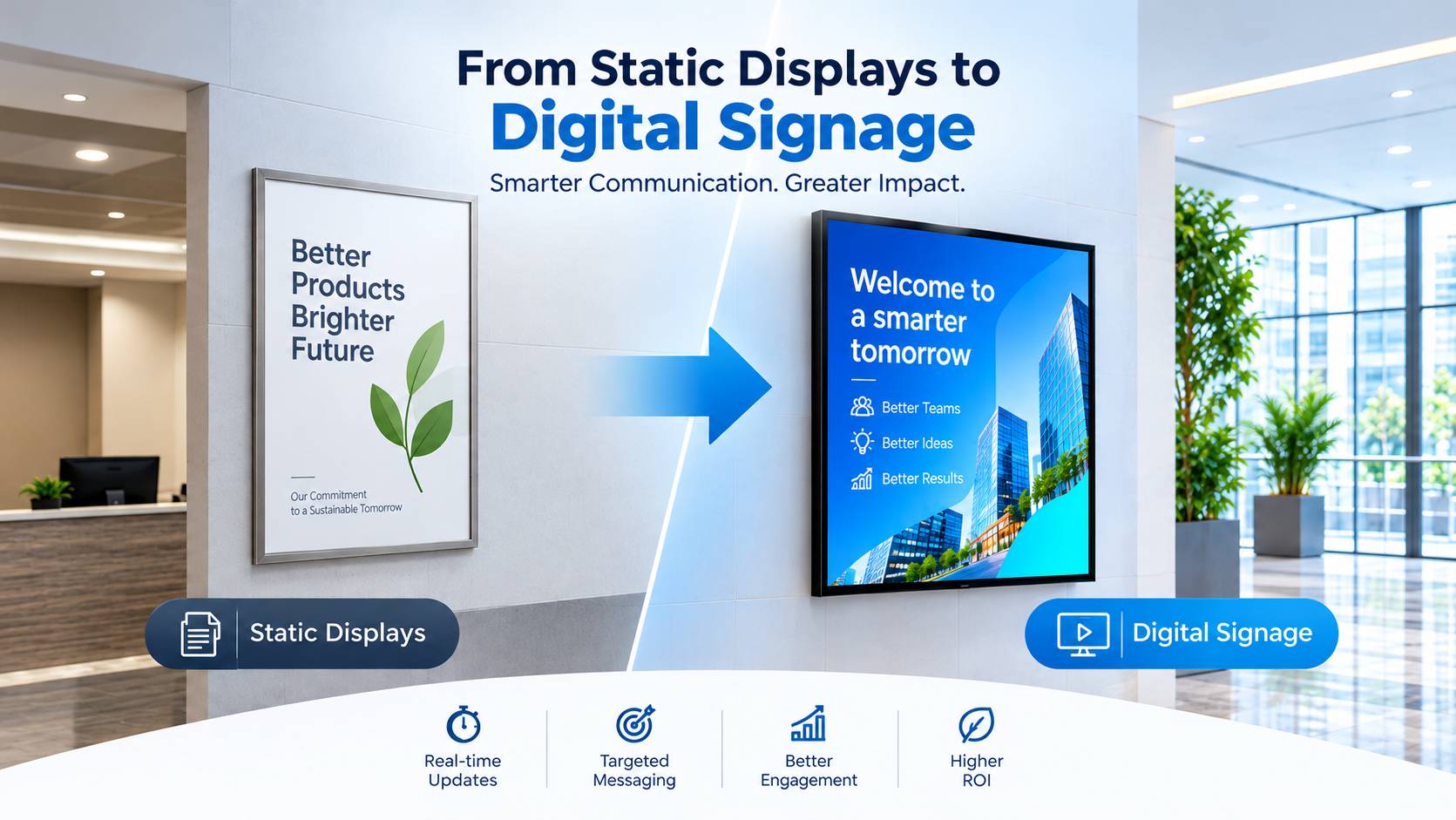
Digital Signage vs Vinyl Printing: Which Is Better for Your Business?
Compare digital signage and vinyl printing across content updates, multi-location management, customer engagement, and operating costs to choose the right solution for your business.
Read More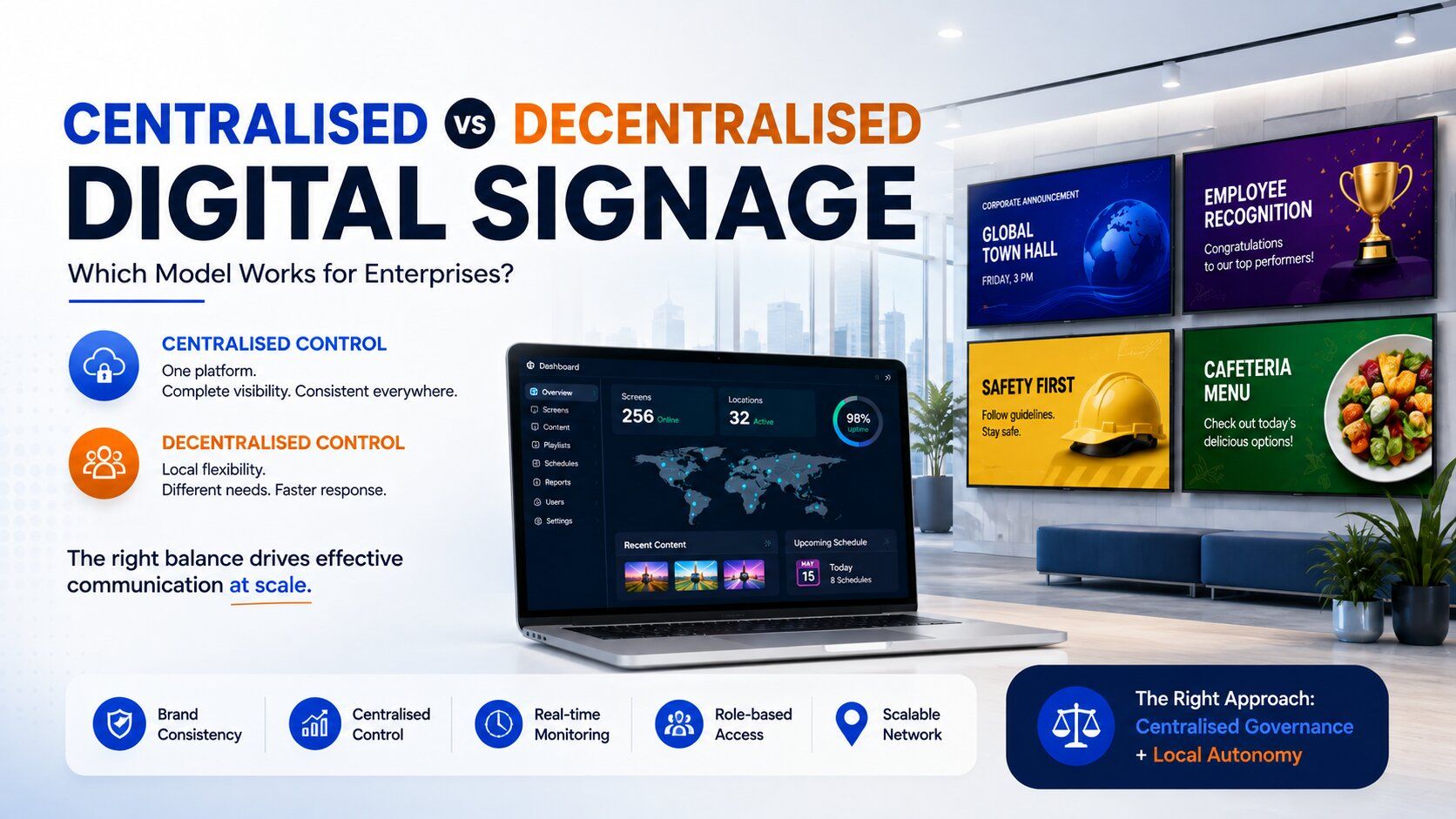
Digital Signage Software: Centralized vs Decentralized Models
A practical look at how enterprises can balance centralised control and local flexibility when managing digital signage across multiple offices, teams and locations.
Read More
Digital Signage Software: Offline’s New Performance Marketing Benchmark
Explore how digital signage software is redefining performance for retail and other offline businesses by enabling centralized control, smart scheduling, consistent communication, and scalable screen management across every location.
Read More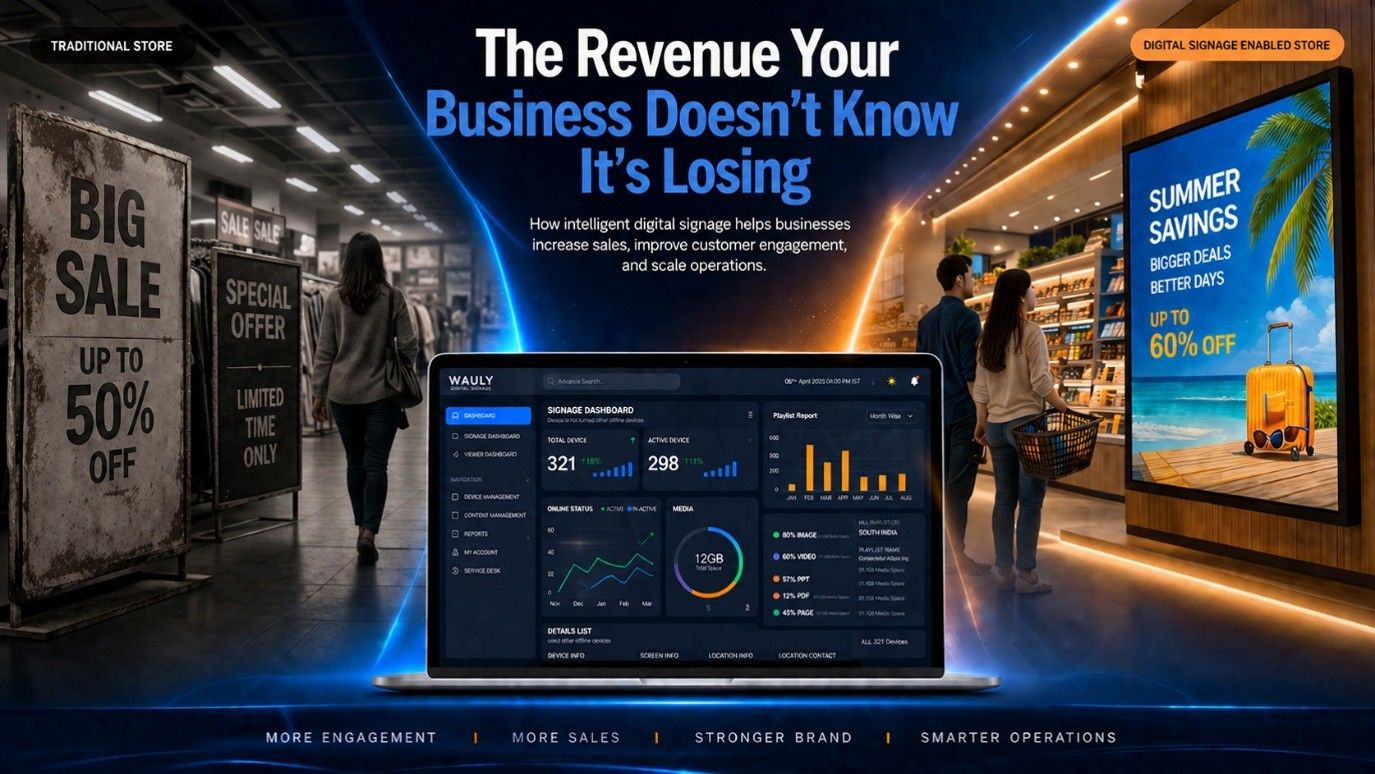
The Revenue Leak Most Businesses Never Measure: Why Digital Signage Is No Longer Optional
Every business invests to bring customers through the door, but many lose revenue once they're inside. Static posters, outdated displays, and manually managed screens fail to influence purchase decisions when they matter most. This blog explores how modern digital signage software helps businesses automate promotions, manage screens remotely, maintain brand consistency, and increase sales across multiple locations. Learn why the real value of digital signage lies not in the screens themselves, but in the software that powers them.
Read More