




Centralised vs Decentralised Digital Signage: Which Model Works for Enterprises?



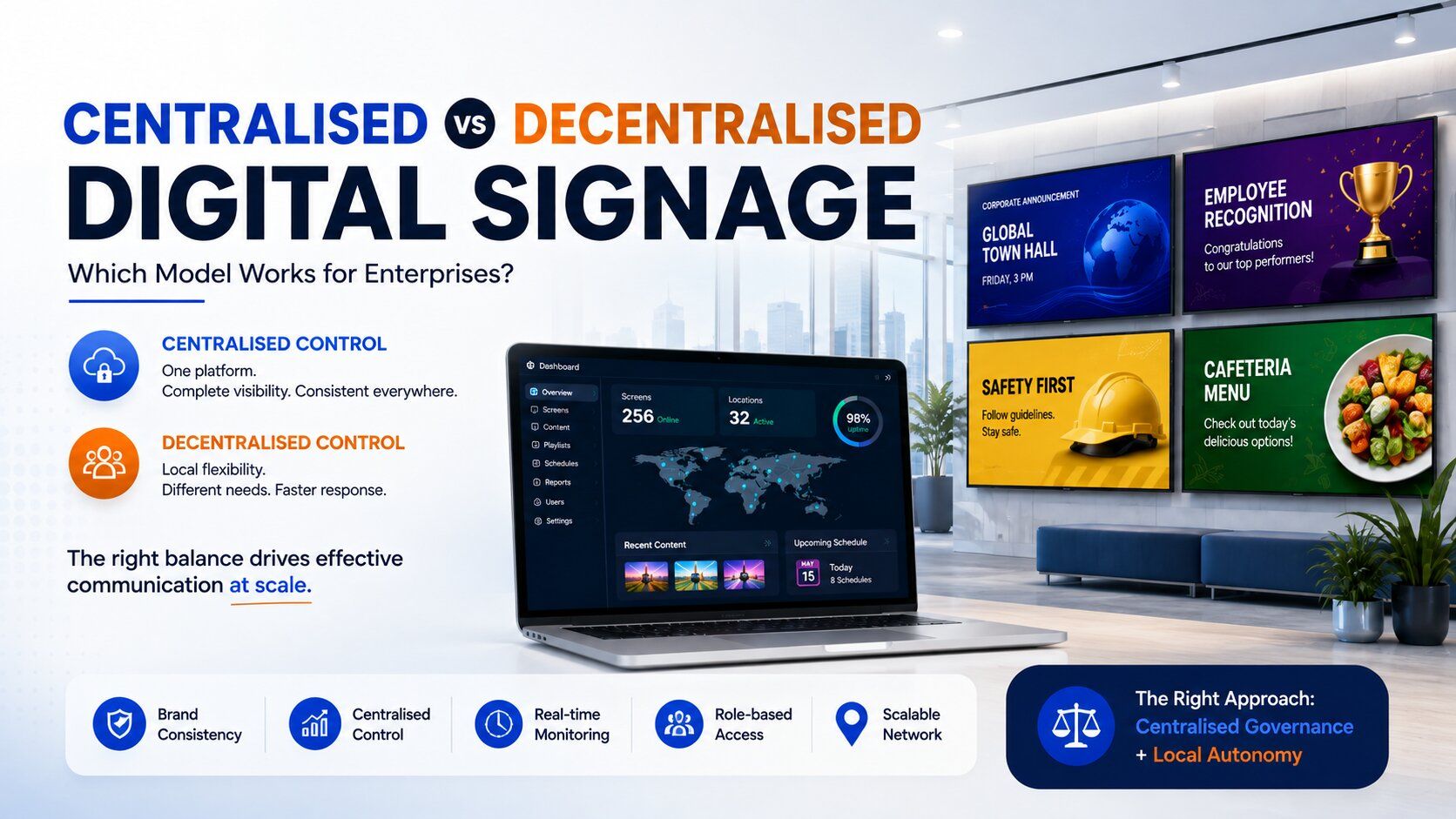
Managing one digital display is easy. Managing hundreds of displays across offices, departments and cities is a different challenge. At enterprise scale, It becomes: "Who should control what, which screens should they control, and how do we maintain consistency without slowing down local teams?"
This is where the centralised vs decentralised digital signage debate becomes important. And for most enterprises, the answer isn't either extreme. The more practical approach is centralised governance with controlled local autonomy.
What Is Centralised Digital Signage?
In a centralised model, an organisation manages its digital signage network through a common platform. A corporate team can create, schedule and distribute content across multiple locations without physically visiting each office. For example, a company with 20 offices and 150 displays could organise screens by:
- Location
- Region
- Department
- Screen type
- Audience
A corporate announcement can be deployed across relevant offices, while a regional campaign can be limited to selected locations. This gives the organisation one operational layer across a distributed screen network.
What Is Decentralised Digital Signage?
A decentralised model gives individual offices, departments or business units greater control over their screens. This can be useful. A Bengaluru office may need to announce a local town hall. A facility team may need to display a visitor update. A manufacturing unit may need to communicate a site-specific safety instruction. Local teams often need this flexibility. The problem begins when local control exists without a common governance framework.
The result can be:
- Different versions of the same communication
- Inconsistent branding
- Outdated content
- Unclear ownership
- Excessive user access
- Content published to the wrong screens
- Manual coordination between locations
At small scale, these issues may be manageable. At enterprise scale, they become operational overhead.
Why Neither Extreme Works
Complete decentralisation creates fragmentation Imagine an enterprise with 50 offices. Corporate needs to publish an important employee announcement. If every office manages its own signage, someone has to distribute the content to 50 locations and ensure that everyone publishes the correct version.
One office publishes immediately. Another uses an older creative. Another forgets to remove yesterday's message. The screen is working. The process isn't.
Complete centralisation creates bottlenecks Now reverse the model. Every local update needs to pass through headquarters. A simple facility announcement could take hours to reach the screen because it is waiting for central approval. The enterprise gains control but loses agility. This is why the better question isn't: "Centralised or decentralised?" It is: "What should be centralised, and what should remain local?"
The Enterprise Model That Works Better
A scalable enterprise signage structure typically looks like this:
Corporate controls
- Brand standards
- Enterprise-wide campaigns
- Core templates
- Security policies
- User permissions
- Platform administration
- Corporate communication
- Governance rules
Regional and departmental teams control
- Local announcements
- Regional campaigns
- Events
- Department communication
- Facility information
- Location-specific content
The platform manages
- Screen groups
- Scheduling
- Playlists
- Content distribution
- User access
- Device visibility
- Publishing workflows
This creates controlled decentralisation. Local teams get the freedom they need, while corporate retains control over the areas where consistency, security and governance matter.
The Role of Permissions
This is one of the most important differences between basic and enterprise-grade digital signage. Not every user should have the same level of access.
For example: Corporate Admin: Full network control
Regional Admin: Access to assigned locations
Content Creator: Create and edit content
Approver: Review and approve content
IT Administrator: Manage devices and infrastructure
A regional manager shouldn't be able to overwrite an enterprise-wide campaign. A content creator shouldn't automatically be able to publish across every location. An IT administrator may need device access without managing communication content. Role-based permissions create accountability and reduce accidental publishing.
Don't Manage Only the Content. Manage the Network.
Enterprise digital signage isn't just a content problem. You also need visibility into the screens themselves. Consider a campaign that has been correctly scheduled, but one display is offline.
Who knows?
If someone at the local office has to notice and report it, the network isn't really being managed centrally. An enterprise platform should provide visibility into:
- Screen status
- Device availability
- Location-wise deployment
- Content scheduling
- Publishing activity
- Operational issues
This becomes increasingly important as the number of screens grows. Managing 10 screens manually is possible. Managing 500 that way is inefficient.
Centralisation Can Reduce Operational Cost
The financial value of centralised digital signage isn't only the software subscription. It is also the reduction in operational effort. Think about the time spent on:
- Sending content to individual offices
- Following up with local teams
- Correcting publishing mistakes
- Removing outdated content
- Troubleshooting screens
- Managing user access
- Coordinating multiple systems
A centralised platform can reduce these repetitive activities and allow teams to manage a larger network without increasing manual effort at the same rate. The objective isn't simply to manage more screens. It is to manage more screens without creating more operational complexity.
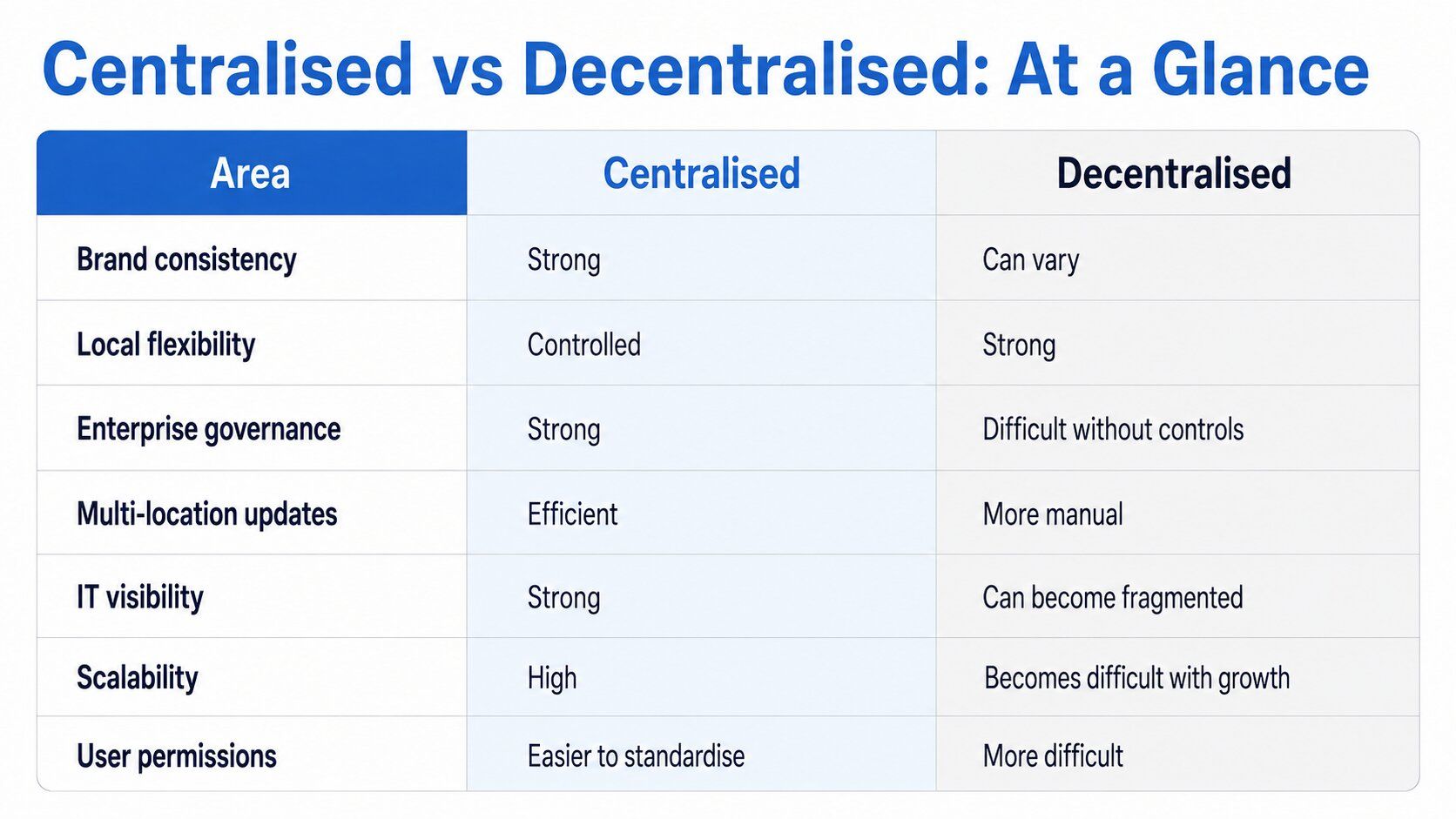
Centralised vs Decentralised: At a Glance
 See content credentials
Article content
For most enterprises, the answer is not choosing one side. It is combining the strengths of both.
See content credentials
Article content
For most enterprises, the answer is not choosing one side. It is combining the strengths of both.
What Should Enterprises Look for in a Digital Signage Platform?
Before selecting a platform, ask:
- Can we manage multiple locations from one system?
- Can screens be grouped by office, region or department?
- Can different users have different permissions?
- Can corporate and local content coexist without conflict?
- Can campaigns be scheduled by location and time?
- Can screen health be monitored remotely?
- Can we track publishing activity?
- Can the platform scale when another 100 or 500 screens are added?
These questions are far more important than simply asking whether the software can display images and videos.
Conclusion
For enterprises, digital signage should not be treated as a collection of independent screens. It should be managed as a connected communication infrastructure. Corporate teams need control over standards, security, governance and enterprise-wide communication. Local teams need flexibility for information that is specific to their location or department. The right digital signage model brings both together:
Centralised control where consistency matters. Local flexibility where context matters.
That balance allows enterprises to scale their digital signage network without turning every content update into a coordination exercise. And that is ultimately what enterprise digital signage should deliver: more control, less operational complexity and a consistent communication experience across every location.
Recent blogs

Successfully transition from static displays to digital signage
If you need a reason to transition from static to digital signage, here are three
Read MoreIncreasing consumer purchases and reducing marketing costs
Numbers don’t lie. Studies suggest that 76% of buyers claim to enter.. store for the first time ever because of signage
Read MoreWhy digital signage solutions are best for restaurants
As a restaurateur, you would want your eatery to be people’s first preference.
Read MoreMost Recent blogs
Digital Signage Software: Offline’s New Performance Marketing Benchmark
Explore how digital signage software is redefining performance for retail and other offline businesses by enabling centralized control, smart scheduling, consistent communication, and scalable screen management across every location.
Read More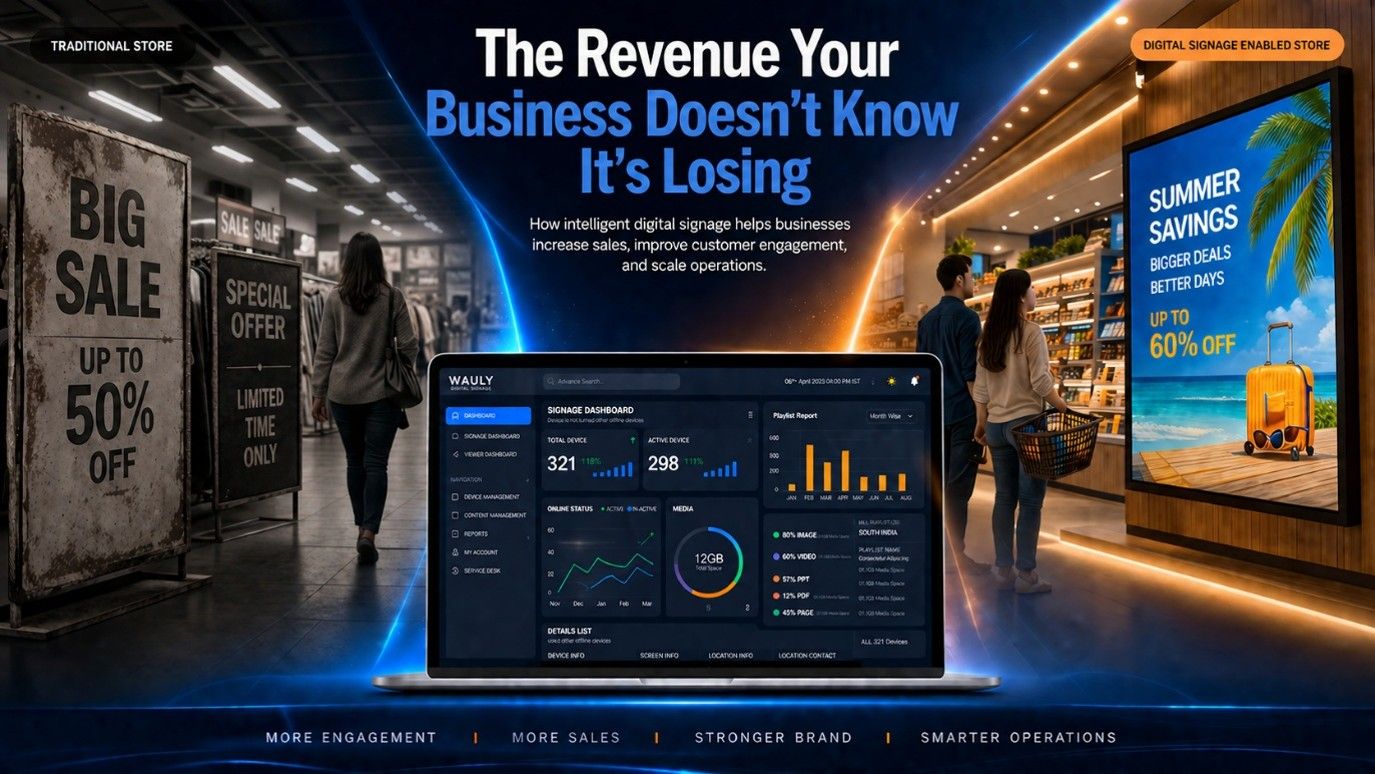
The Revenue Leak Most Businesses Never Measure: Why Digital Signage Is No Longer Optional
Every business invests to bring customers through the door, but many lose revenue once they're inside. Static posters, outdated displays, and manually managed screens fail to influence purchase decisions when they matter most. This blog explores how modern digital signage software helps businesses automate promotions, manage screens remotely, maintain brand consistency, and increase sales across multiple locations. Learn why the real value of digital signage lies not in the screens themselves, but in the software that powers them.
Read More
The Biggest Problem in Internal Communication Isn't Communication. It's Attention.
In today's workplace, information isn't rare, attention is. Organizations that continue measuring communication by the number of emails they send are solving yesterday's problem. The real challenge is ensuring important messages are actually seen, remembered, and acted upon.
Read More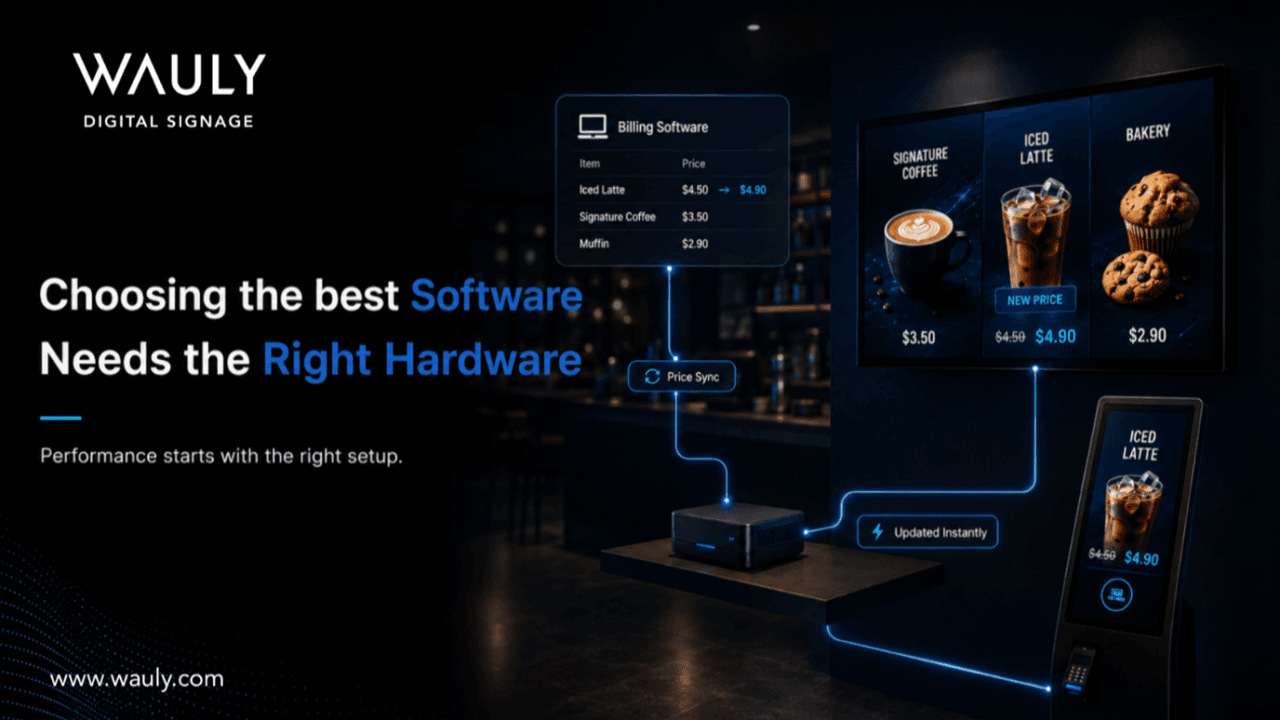
Why Choosing the Right Digital Signage Hardware Matters for QSR Businesses.
Why selecting the right digital signage hardware is just as important as choosing the right software for QSR businesses. It explores how factors such as heat, steam, humidity, operating hours, and outlet type influence display performance, and how Wauly helps brands choose the right hardware and software combination for reliable, centrally managed digital signage across every location.
Read More
6 Innovative Uses for Digital Display Boards
Digital display boards offer real-time, eye-catching content that boosts foot traffic and engagement—far more effectively than outdated static signs.
Read More